 Antaryami
Birth-record workshop
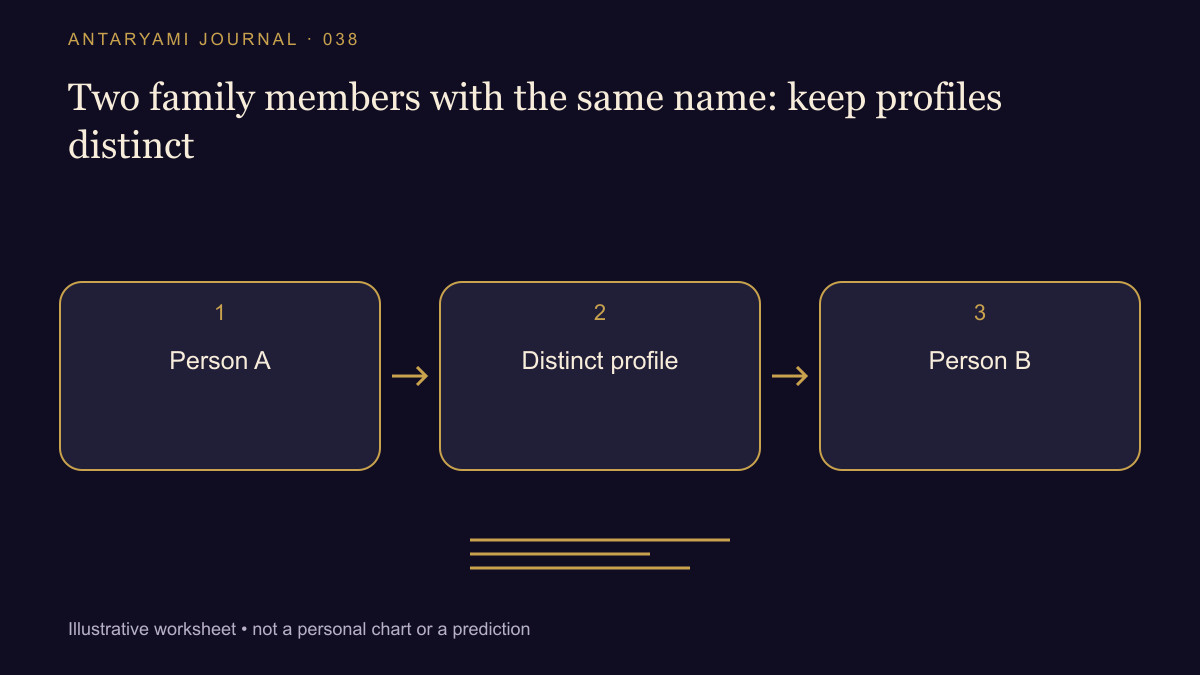
Two family members with the same name: keep profiles distinct
Two members of a family share the same first and last name. A profile picker shows both names, and someone selects the first result without checking further. The resulting chart may be correctly calculated for the wrong person. This guide explains a small review routine that keeps family profiles distinct without turning a public screen into a display of unnecessary personal information.
Let the account holder choose a meaningful distinction
Use a clear display label agreed by the people involved, such as a relationship label or another appropriate nickname. Do not invent a gender, generation or relationship from the name alone. W3C's guidance on personal names also reminds interface designers that name structures differ; a familiar first-name/last-name assumption is not universal.
The label should help an authorised person select the intended record without publicly revealing full birth details. A private profile view may offer more context when needed. A list shown during a demonstration or screen share should not expose information simply because two names happen to match.
Check the selected person before the question
Before sending a personal question, confirm which profile is active. If a group context is selected, review every included person rather than assuming the previous selection still applies. A technically correct answer can be irrelevant or intrusive when it uses the wrong person's context.
This is also a consent question. Being able to recognise a family member's name does not automatically establish authority to save their details or share a reading about them. Follow the actual profile agreement and the record owner's choices, not an assumption that family membership removes privacy considerations.
Keep corrections attached to the right record
When editing a time or place, confirm the profile identifier and visible label before saving. Do not copy a correction between people because their names match. If a screenshot is used to explain an issue, redact unrelated profiles and account information.
A useful private support note can identify the affected profile through the application's appropriate reference and describe the selection steps. A public example should use fictional records. The goal is to make the selection error reproducible without publishing a family directory.
Review a result's context, not only its wording
If a response seems unexpectedly specific or inconsistent, inspect the selected context before asking the same question again. Repetition can produce more wording while preserving the original selection mistake. A clear profile picker, a final context check and an understandable result label are practical safeguards. None requires pretending that a name itself tells the system everything it needs to know about a person.
Astrological interpretations are for reflection, not a diagnosis, a guaranteed prediction or a substitute for professional advice. Journal guides are prepared with AI assistance; they are educational content, not individual consultations.