 Antaryami
App walkthroughs
D10 in Antaryami: explore the work chart without outsourcing your career decisions
A career question rarely arrives as a tidy sentence. You may be deciding whether to apply, wondering how to present your work or trying to understand why a responsibility feels different now. Antaryami's divisional panel offers D10, labelled Dasamsa, as a traditional work-related view. This guide by Nitish Raj Walia walks through the actual screen using fictional adult inputs. We will look at what changes when you select it, what remains a calculation convention and how to leave with a practical question. The chart does not know your employer's plans, and it cannot take responsibility for a career choice on your behalf.
Begin with the situation at work, not a promise of success
Before opening D10, name what you are trying to understand. Are you preparing a portfolio, asking for clearer duties or considering a different working arrangement? Those questions involve different facts. A portfolio needs evidence of your work; a duty discussion needs agreement with another person; a transition may affect income and responsibilities. Putting the situation into words keeps the chart from becoming a substitute for information you can actually request. You can explore a traditional theme while still respecting the practical setting that made it relevant.
The inspected product associates D10 with career, standing and what you do in the world. That is the feature's interpretive subject, not proof that it measures competence or predicts professional outcomes. Avoid using it to rank employees or decide someone else's opportunities. It can organise an interested adult's reflection about their own work, but it has not examined qualifications, workplace conditions or performance. A useful introduction makes the purpose of the instrument clear without pretending that purpose establishes its predictive authority.
Check the division title before reading a house
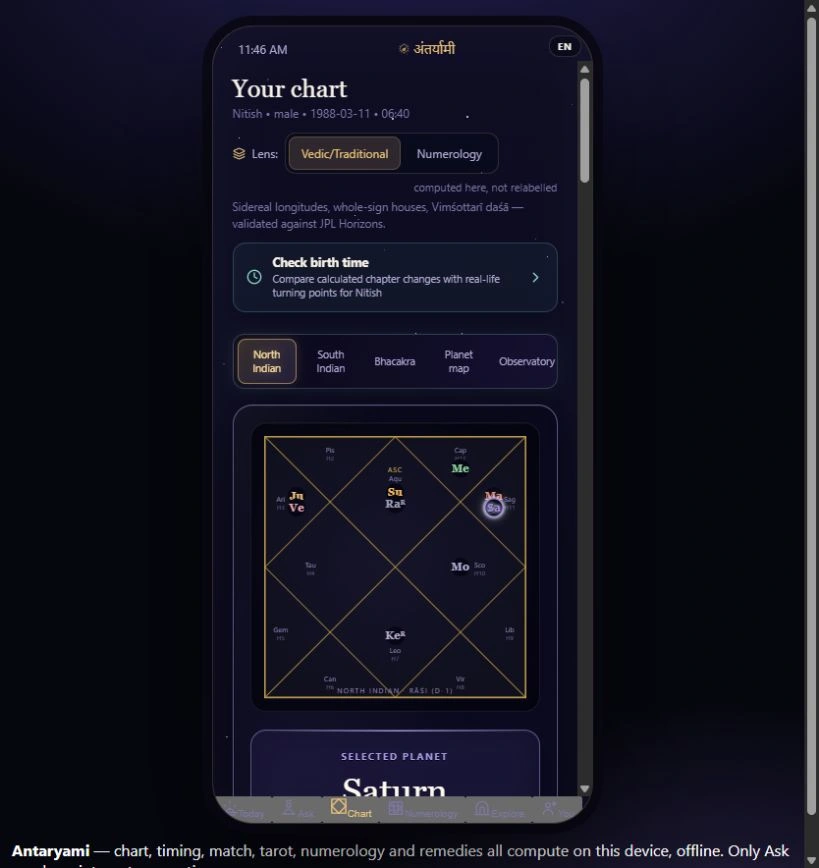
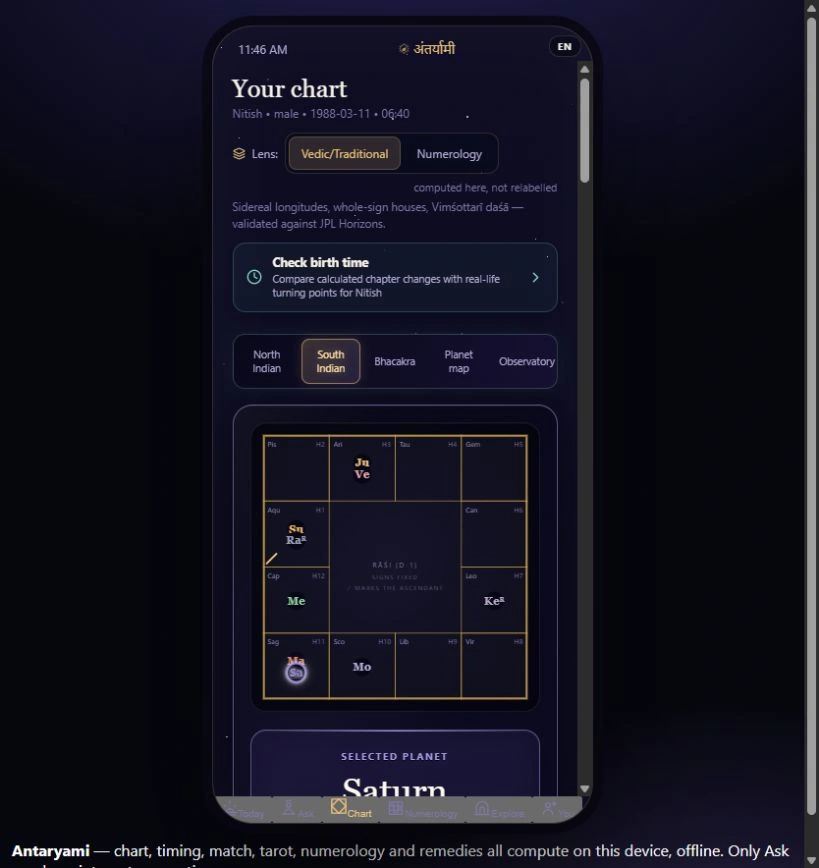
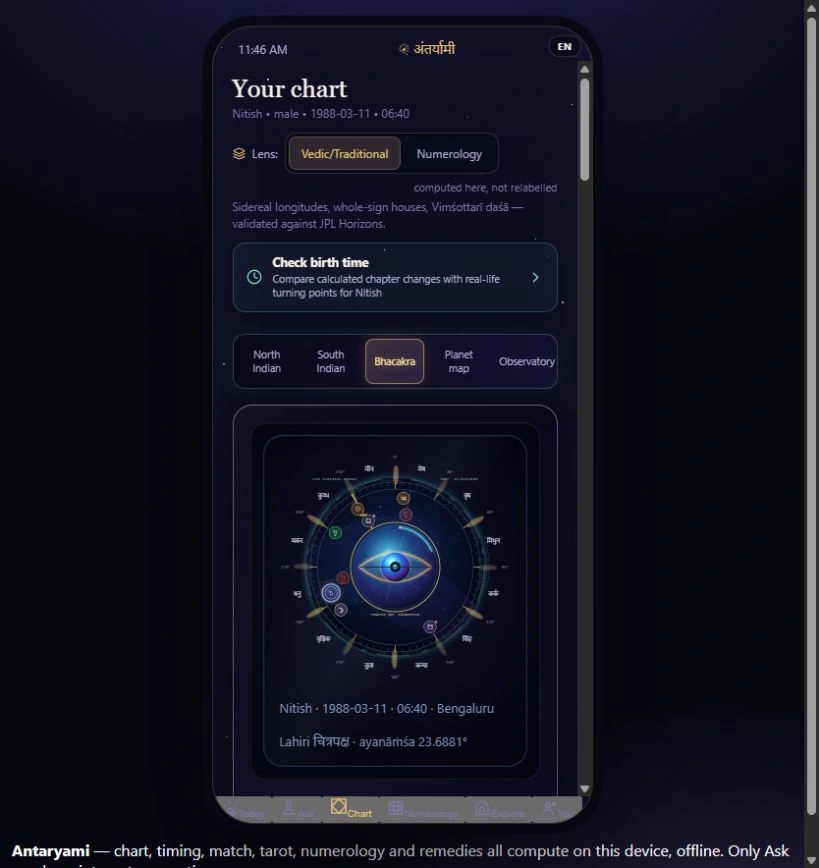
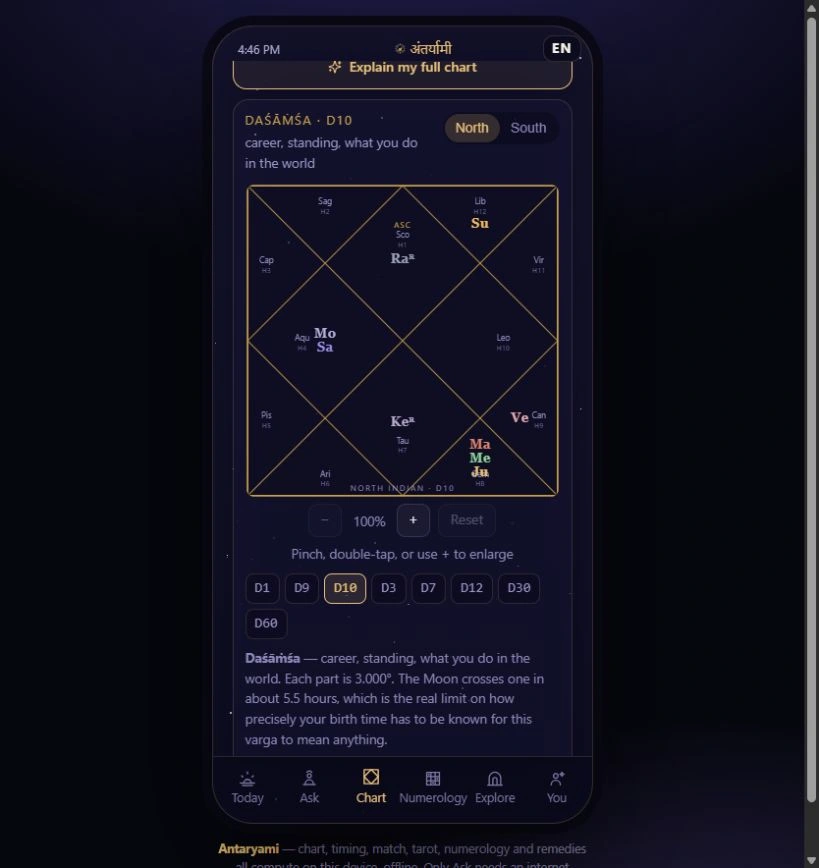
The Chart screen contains the primary placement instrument and, lower down, another panel with division buttons. Select D10 in that lower panel and confirm its title. Its North and South controls are layout choices for the selected division. The visible house compartments and planet abbreviations belong to this derived chart, not automatically to the primary instrument above. This matters when you move between views quickly: a familiar shape can conceal a changed reference if you read the page without its labels.
In the fictional preview, the complete D10 diagram is shown with the selector visible beneath it. You can enlarge a diagram for inspection and select a house to open the app's explanation of its theme, occupants and ruler. Treat those controls as ways to investigate a stated view, not shortcuts to a final career answer. If you share an observation, identify it as a D10 observation from the selected profile and calculation setting. A bare image of a planet in a compartment is too little context for a meaningful discussion.
Learn what the ten-part calculation actually changes
The inspected D10 implementation divides each thirty-degree sign into ten equal three-degree parts. It maps a part into a divisional sign using different starting offsets for odd and even signs. The output is therefore derived from the supplied natal longitude. Selecting D10 does not move a planet's astronomical position and does not create a new measurement of an employment situation. It changes the sign mapping used by this particular chart view, after which the interface draws houses from its divisional reference.
That distinction can make a confusing comparison manageable. Keep D1 in one mental column and D10 in another, with the rule connecting them. If a planet appears in a different sign or house, ask how the mapping produced that placement before interpreting it. Do not read the difference as evidence that the first chart was wrong or that the second is a more accurate forecast. A transformation may be precisely specified while the meaning attached to it still belongs to an interpretive tradition. The numbers and the story require different kinds of scrutiny.
A work view contains twelve compartments, not one job label
It is tempting to see the word career and look only for the tenth house. The actual divisional diagram contains twelve compartments, and the panel's house explanation includes a ruler and any occupants for the selected compartment. That structure invites a broader reading within the chosen framework. An empty compartment is not evidence that a person will be unemployed. In the inspected interface, an empty house can still be explained through its ruler rather than being treated as a missing result or an unavailable part of life.
The preview is an example of that interface, not a forecast for the founder or anyone named similarly. Keep ordinary circumstances in the discussion: work can mean salaried responsibility, independent effort, caregiving commitments or several activities at once. A traditional label does not get to erase those differences. If a description fails to fit the situation you are considering, preserve that mismatch. You do not need to reshape your experience until it resembles a chart caption, nor should another person's life be reduced to a single house assignment.
A sharper-looking diagram does not certify a remembered time
- Describe the work situation you want to examine before selecting D10.
- Keep its division and profile labels attached to any shared observation.
- Trace a changed placement to the mapping rather than treating it as a new sky position.
- Choose a practical action supported by workplace facts, not a chart guarantee.
Because D10 divides a sign into smaller portions, placements close to a boundary deserve attention to input uncertainty. The app's Moon-crossing note describes one rate; it does not establish a universal safe error margin for the divisional ascendant or every mapped placement. If the profile records an approximate birth time, keep that approximation in the interpretation. Changing to a more detailed chart is not a birth-time verification procedure. The software cannot recover missing evidence merely by drawing another grid.
Return from the chart to a step you can justify in ordinary terms. You might assemble examples for a review, check a job requirement or ask which deliverable matters most. None of those actions needs an astrologically favourable label to be worthwhile. If a deadline exists, take it from the employer or institution that set it. A symbolic reading should not cause you to miss it, ignore an offer or abandon a sensible plan. Use the feature to clarify a question, then let verified information guide the consequential parts of your decision.
See the instrument clearly before deciding about access
Antaryami's website is an experience centre where you can inspect the product without confusing a demonstration with personal delivery. This guide shows a real local-source D10 screen with fictional adult details; it has not tested a remote consultation or granted app access. Any live download, plan availability and purchase terms need their own current verification. The presence of a sophisticated chart in an article does not mean that an unavailable service is ready to honour a sale, and this walkthrough makes no such promise.
For Temior Technologies Pvt Ltd, a useful product explanation is one you can question as well as admire. The Antaryami D10 view can help an interested reader understand how a work-related divisional chart is organised. Its best contribution here is not a command about your profession; it is a clearer vocabulary for discussing the instrument. Ask what was calculated, what was interpreted and what your actual circumstances add. A careful career conversation leaves space for skills, constraints and other people's decisions instead of asking a diagram to carry all of them.
Bring the work question back to real life
An empty D10 house worries me
The panel still reads an empty compartment through its ruler. Empty does not mean unemployment, failure or that the app has found no future for you.
Should I reject an opportunity because of this diagram?
Assess the actual offer, responsibilities and consequences. This derived traditional view does not verify an employer decision or justify ignoring a real deadline.
Astrological interpretations are for reflection, not a diagnosis, a guaranteed prediction or a substitute for professional advice. Journal guides are prepared with AI assistance; they are educational content, not individual consultations.