 Antaryami
Birth-record workshop
Why a stored date can appear one day earlier
A date saved as 1 November appears as 31 October on another screen. The original record may not have changed at all. One common class of problem occurs when a date-only value is handled as an instant and then displayed in another time zone. This workshop separates those meanings using a fictional example, without diagnosing every one-day difference as the same bug.
Decide whether the value is a date or an instant
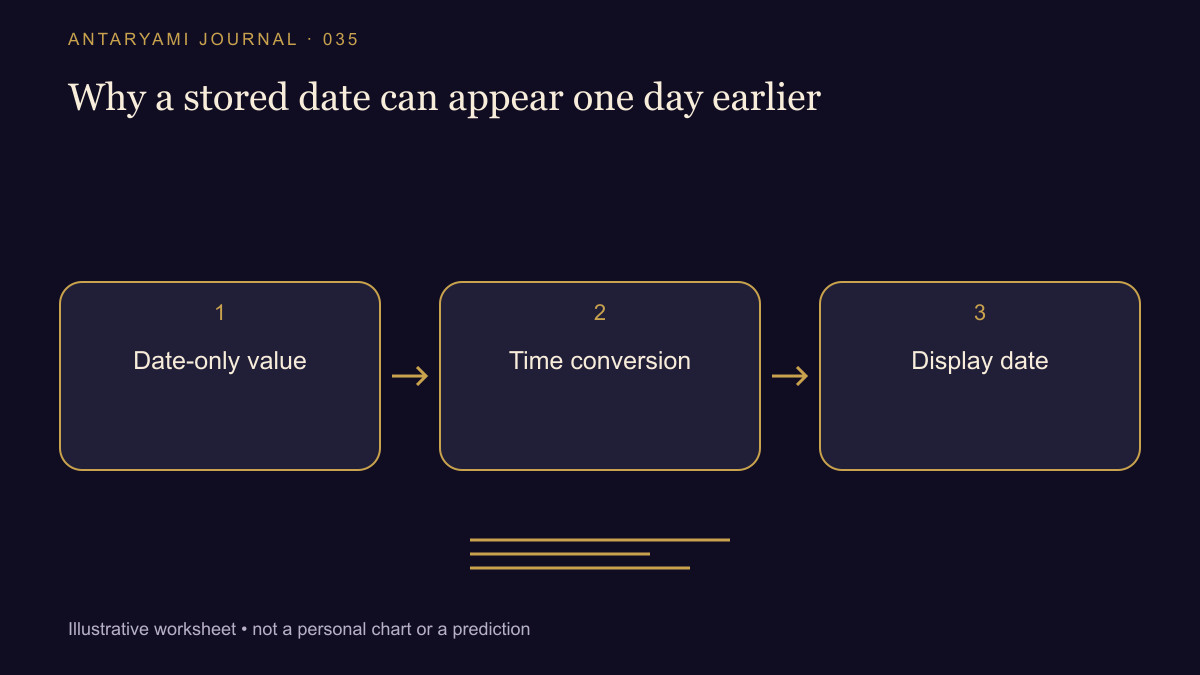
A date-only value identifies a calendar day without supplying a clock time or offset. A timestamp describes an instant under a stated representation. Converting a date-only value into midnight UTC is a software choice, not information that was necessarily present in the original record.
Suppose a teaching system turns the date 2026-11-01 into 2026-11-01T00:00:00Z. Displaying that instant at an offset of minus five hours produces 19:00 on 31 October. The previous-day label follows from the chosen timestamp and display offset. It does not establish that the original birth date should be edited backward.
Keep the intended meaning in view
RFC 3339 documents an interoperable date-time representation, but using a valid timestamp format does not decide whether a field should have been a timestamp in the first place. The application still needs to preserve the meaning of the user's input. An event date and a fully specified event instant can both be useful when correctly distinguished.
If you are reviewing a screen, note whether it shows a date-only field, local event time or converted instant. Compare the labels on both devices before changing a saved record. A display issue should not be repaired by corrupting the source date merely to make one screen look familiar.
Rule out other explanations
A one-day difference can also come from a wrong offset, an incorrect calendar interpretation, midnight ambiguity or a transcription mistake. The example here demonstrates one mechanism, not a universal diagnosis. Keep the original input and the displayed values so a reviewer can distinguish those possibilities.
For public support, reproduce the behaviour with a fictional date and explicit offset if possible. Do not expose a personal birth profile just to illustrate date formatting. A small example with clear labels can be more informative than a large screenshot containing unrelated account information.
Ask for the right correction
A helpful request says which field's meaning was lost and on which screen the date changed. It asks the system to display the intended value consistently, not to shift every stored date by a day. A reliable correction should preserve the original event information and be checked across the relevant display zones, including dates close to month and year boundaries.
Astrological interpretations are for reflection, not a diagnosis, a guaranteed prediction or a substitute for professional advice. Journal guides are prepared with AI assistance; they are educational content, not individual consultations.